
Digital Protégé
Lux learns how you write — My Voice, or a Shared house style from several authors — and coaches in that voice, not a generic academic one.
xRead sits in the Microsoft Word task pane. Citations, checks, voice, and journal tools stay beside the manuscript. Access is by invitation while we run a small beta.
A portfolio of tools in the Word task pane. Everyday writing help, then journal tools and workflows you can add yourself.
Lux learns how you write — My Voice, or a Shared house style from several authors — and coaches in that voice, not a generic academic one.
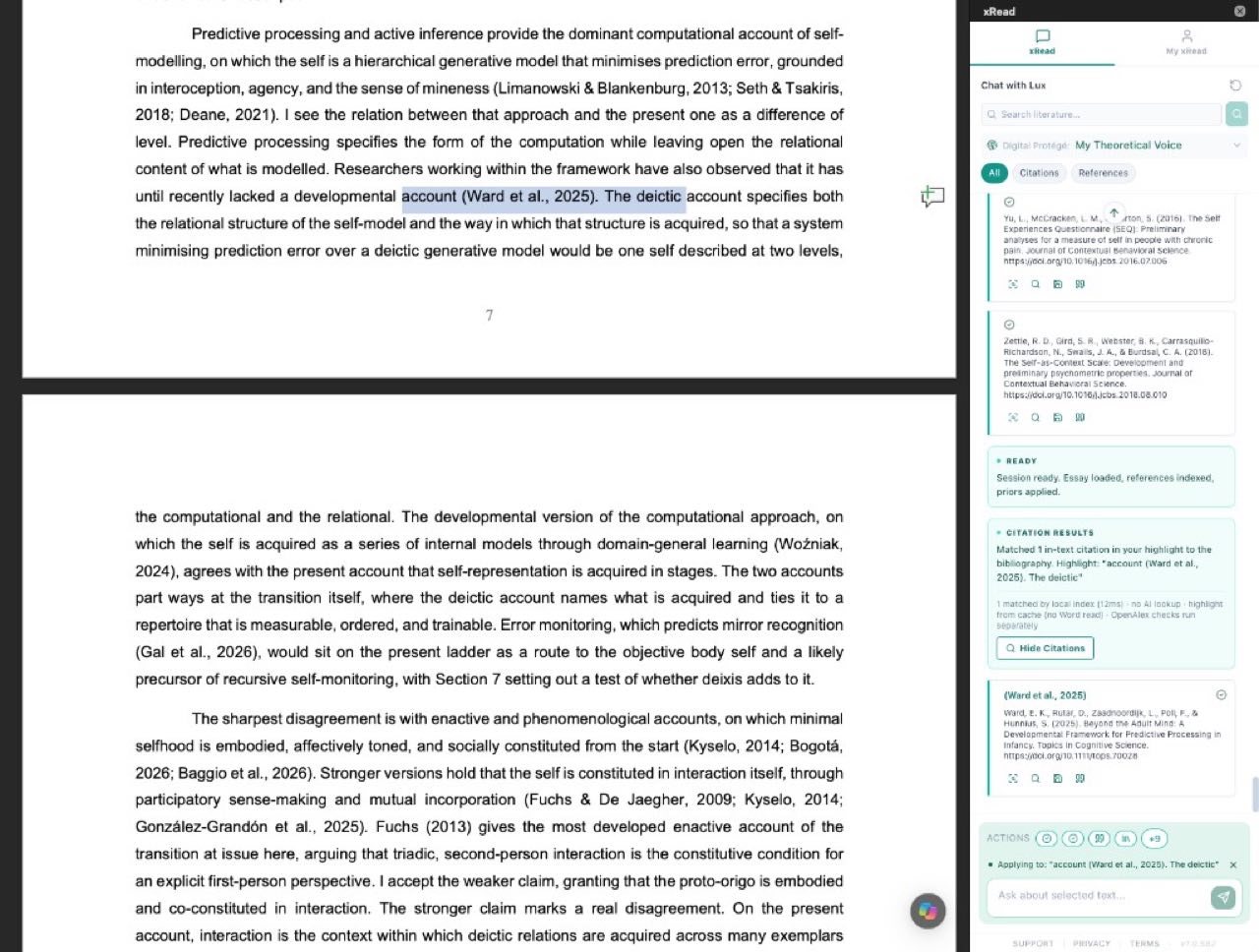
Highlight a passage and match in-text citations to the bibliography — fast, in the document.
From the paper’s own reference list, find the entries that best support the highlighted claim.
Catch orphans (cited but missing) and ghosts (listed but never cited).
Check whether the cited sources actually support what the sentence says.
Check printed references against scholarly registries — year, DOI, and whether the record is the same paper.
Related papers for the highlighted passage, from scholarly catalogs beside the manuscript.
Plain-language explanation of the highlighted passage, without leaving Word.
Rewrite the highlight toward your signature — Person, constructions, and the words you actually use.
Ask, summarise, and work the paper with Lux — scoped to this document. The Quipu keeps the run as a thread you can filter.
Where this manuscript could go, based on the draft and its reference profile.
SeatAudit the draft against that journal’s author guidelines — structure, length, and house rules.
SeatPaste a guidelines link or upload the PDF. xRead extracts requirements and can measure a paper that journal already accepted.
Adversarial review: literature that contradicts or qualifies your claim.
SeatSort the highlighted References section — A–Z for APA/Harvard, printed number for Vancouver — then paste it back.
Save papers from Chat and keep them with the account — summaries, links, and a bibliography you can export.
Generate your own action buttons and workflows — then run them from Chat and filter the results in the Quipu.
SeatJoin the registration list. We review requests and send an invitation when a place opens. This is not an account signup.